
Public QR Menu
Print a QR code on the table or the window. Customers browse your menu on their phone, with photos, prices and categories pulled live from Chlat POS.
9:41Chlat POS100%
Search product or scan barcode
AllDrinksFood

Iced Latte
$2.50
2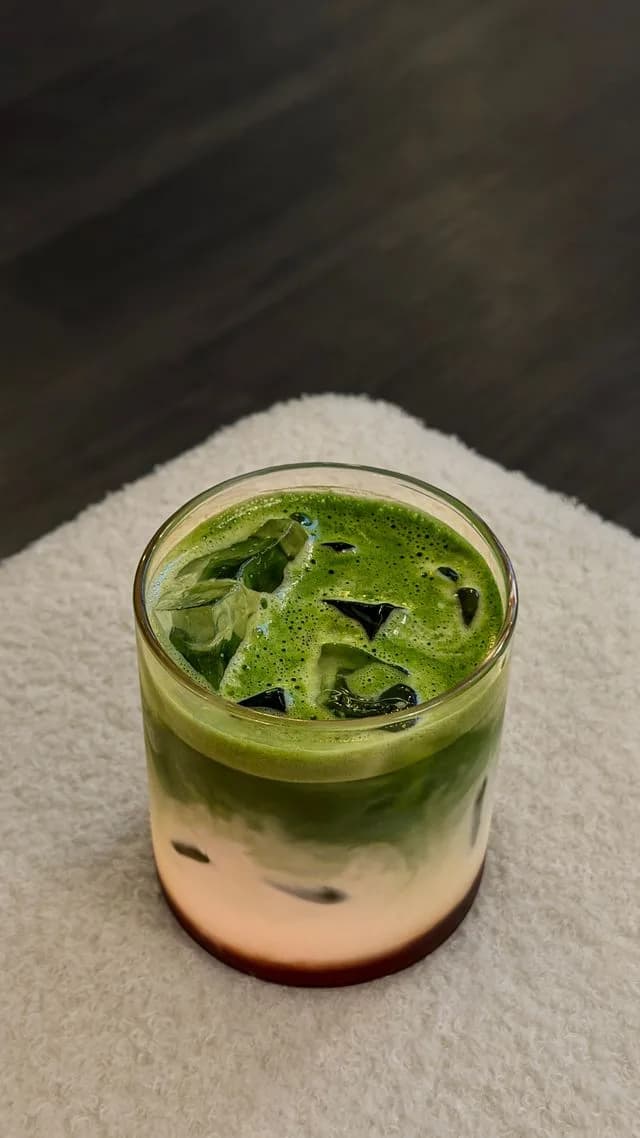
Matcha
$2.75
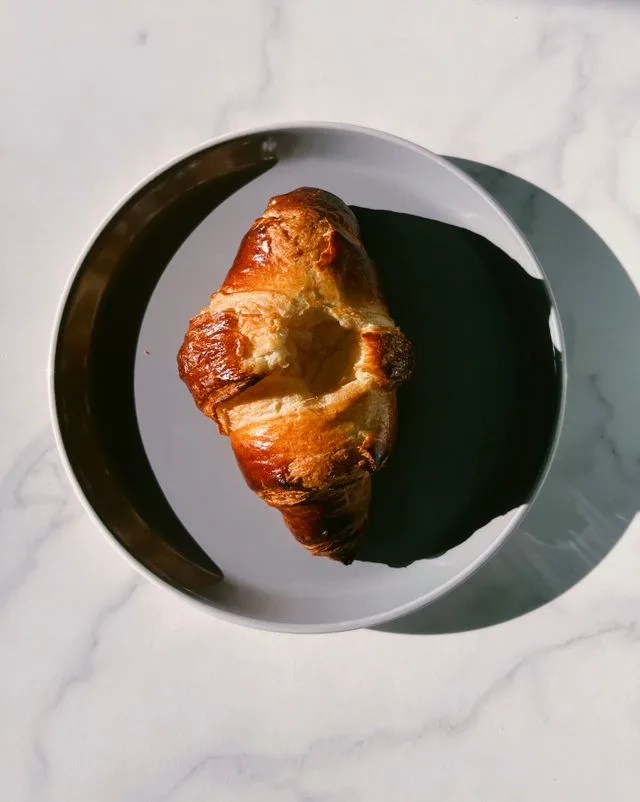
Croissant
$1.80
1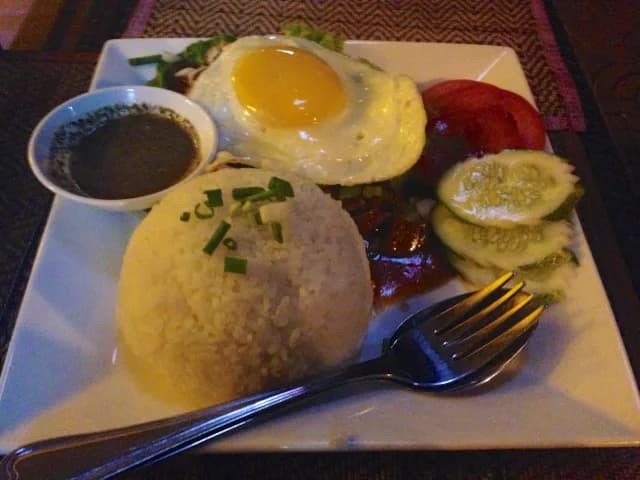
Lok Lak
$4.50
1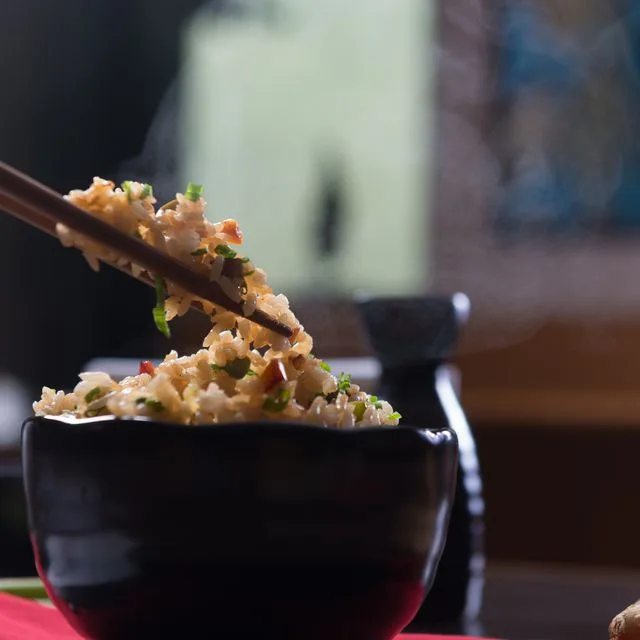
Fried Rice
$3.25
Lime Soda
$1.50
Order #1042
- 2× Iced Latte$5.00
- 1× Lok Lak$4.50
- 1× Croissant$1.80
Subtotal$11.30
Total$11.30
≈ ៛46,330
Pay with ABA KHQR
Highlights
No app, no login
Customers scan and browse straight away in their phone browser.
Always up to date
Change a price or mark an item sold out in the POS and the menu updates immediately.
Search & filter
Category tabs and search help customers find what they want fast.
What’s included
Everything in Public QR Menu works together with the rest of Chlat POS — no add-ons or extra apps.
- Public product and menu listing
- Browse without login
- Category filtering and search
- Photos, descriptions and prices
- Sold-out items hidden or labelled
- Mobile-first design
Public QR Menu: common questions
Do customers need to install an app?
No. The menu opens in any phone browser after scanning the QR code.
Related features
- POS Sales & CheckoutA cashier screen that keeps queues short. Tap, adjust, discount, pay — done.
- ABA PayWay Auto PaymentDynamic KHQR per order. Payment confirmed automatically. Money lands in your ABA account.
- Inventory ManagementStock that updates itself with every sale, plus alerts before you run out.
Ready to sell faster and get paid automatically?
Book a free demo and we will set up Chlat POS with your products and ABA PayWay account.